 StorySafari
AI roundup
The best AI story generators for kids: four compared
Compare StorySafari, Bedtimestory.ai, Oscar Stories and StoryBee for illustrations, platforms, print options and available pricing. This guide uses public product information, with sources and limitations so you can check what fits your family.

Published by StorySafari
We make StorySafari, so we're biased. This guide compares public product information, not hands-on quality scores.
A quick starting point
- StorySafari: character choices or your own page-by-page writing.
- Bedtimestory.ai: stories from a prompt and a personalized hero.
- Oscar Stories: families looking for multiple languages.
- StoryBee: stories with audio and plan-dependent voice tools.
These are advertised features, not hands-on quality rankings. The details and sources are below.
Sources, scope, and limitations
We make StorySafari, so we're biased. This is a comparison of public product information, checked on September 5, 2026. We have not completed a paid, hands-on test of the competing products. Links identify the sources, and uncertain features are marked as unverified. You can inspect our own output in the free story library.
One scope note: this roundup covers AI tools only. If you're also weighing non-AI options, our broader guide to the best personalized story apps includes print-book services like Wonderbly and reading libraries like Epic.
Side by side
How the best AI story generators compare
Public-source review: September 5, 2026. These are advertised capabilities, not quality scores. Prices are the displayed web offers and may vary by region, billing period, or promotion.
| App | Who directs the story | Pictures | Print keepsake | Platform |
|---|---|---|---|---|
| StorySafarithat's us | Your choices or your own page-by-page writing | Illustrated finished stories; free preview first | 6 × 9-inch hardcover | Web, iPhone, iPad |
| Bedtimestory.ai | A story idea and personalized hero | Advertises illustrated stories | Physical fulfillment not confirmed in reviewed source | Web |
| Oscar Stories | Personalized characters; 11 languages listed | Illustrated stories advertised | App listing mentions printing; shipping not verified | Web, iOS, Android |
| StoryBee | Prompts; voice tools vary by plan | Illustrations advertised | Conflicting public information; see note below | Web |
The checklist
What to look for in an AI story generator for kids
Six questions separate AI story apps far better than feature lists do. They work on any generator, creator, or maker — including ones that launch after we wrote this.
In some apps, a parent types a prompt into a box and reads the result at bedtime. In others, the child makes the real decisions — the hero, the place, what happens next. Both have their place, but only one makes your child the author. Decide which you're buying.
The hard problem in AI illustration is keeping the same hero on page one and page twelve. Before paying, flip through a complete story and check whether the main character's face, clothes, and colors survive the whole book.
Marketing pages show the best single image an app ever generated. Full finished stories show what it actually does. Ours are free to read in the library — look for the equivalent anywhere else.
Ask what the app does with an odd or scary request, whether stories stay age-appropriate without your editing, and whether you can review a story before your child sees it. "It's AI" is not an answer; a written policy is.
A generated story that lives only on a screen is easy to forget. If a keepsake matters, check whether a finished story can become a physical book — and whether your child is credited as its author.
Names, faces, and voices are exactly the data AI products love. Look for a plain-English privacy policy, a clear posture on children's-privacy law (COPPA in the US), and a real answer to "can I delete everything?"
The four apps, in plain words
StorySafari — if your child wants to be the author
Choose the characters and story idea, or write each page yourself. The browser supports up to three characters and six languages. Read complete examples and check preview, pricing, and hardcover details before deciding. StorySafari uses AI for story generation and illustration; a grown-up should review the result.
Bedtimestory.ai — for prompt-led stories
Bedtimestory.ai offers prompt-led illustrated stories with a personalized hero. Its public homepage does not establish current plan prices or a physical-book delivery service. Inspect a complete current sample if page-by-page illustration is important to you.
Oscar Stories — for bilingual families
Oscar lists web, iOS, and Android access, narration, and 11 languages. Its annual Premium plan is advertised at $49 with a seven-day trial. The app listing mentions printing; we have not verified a shipped hardcover service.
StoryBee — for narration-first bedtimes
StoryBee lists illustrated stories and audio, with voice cloning on higher plans. Its printing page advertises physical books, while its pricing page labels storybook creation as coming soon. Confirm availability before paying specifically for printing.
AI story creator, AI story maker, or AI story generator?
You'll see all three labels on the same category of app, and they mean the same thing — so search whichever one you like. The question that actually separates the apps never changes: who directs the story. A prompt box makes the parent the author; a maker built for kids makes the child the author. That difference, not the label, is what you're choosing between.
Trust, then verify
How to check any of this in ten minutes
Read one finished story
First page to last — does the story hold together, and does the hero look the same on every page? Ours are free to read here; find the equivalent for any other app.
Watch who directs
Compare what your child can choose before and after generation: the characters, story direction, page text, and illustrations. A grown-up can help enter those choices.
Read the privacy policy
Search it for "children," "COPPA," and "delete." Ten minutes here beats any review, ours included — StorySafari's is here.
Judge our output
Read complete AI-generated stories free
Three favorites from the free library — every one is a complete, AI-illustrated story grown from a child's idea. This is the first test we suggest for every app in this roundup, so here's ours.
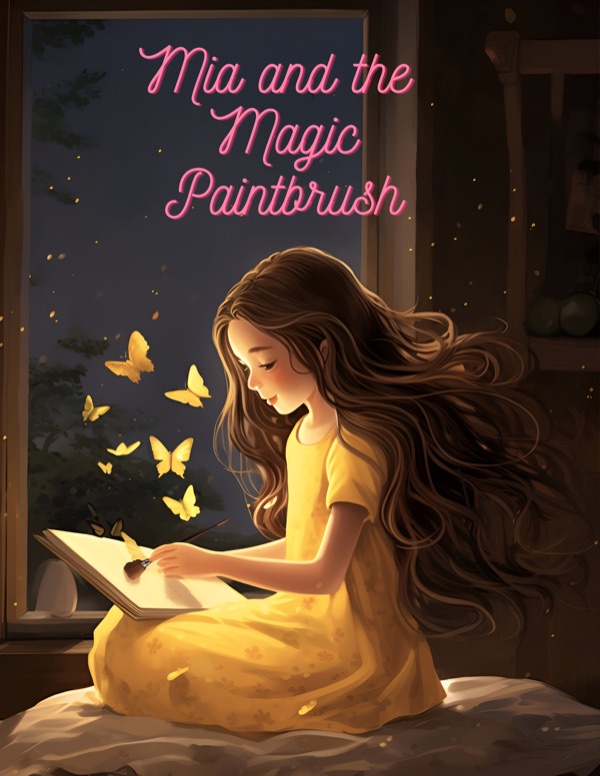 Mia and the Magic Paintbrush
A magical art story about a paintbrush, big feelings, and the creative spark that helps a child feel seen.
Read it free →
Mia and the Magic Paintbrush
A magical art story about a paintbrush, big feelings, and the creative spark that helps a child feel seen.
Read it free →
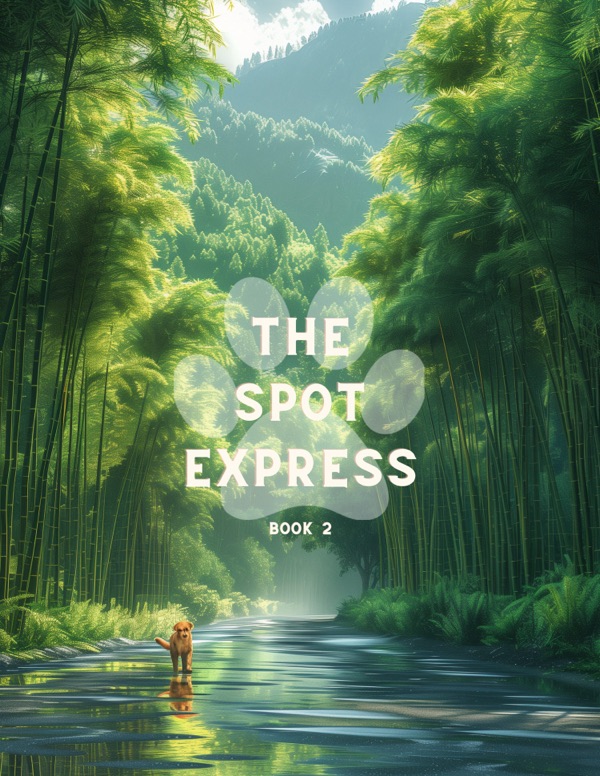 The Spot Express
Spot the pup boards a dreamy train adventure filled with motion, imagination, and cozy bedtime charm.
Read it free →
The Spot Express
Spot the pup boards a dreamy train adventure filled with motion, imagination, and cozy bedtime charm.
Read it free →
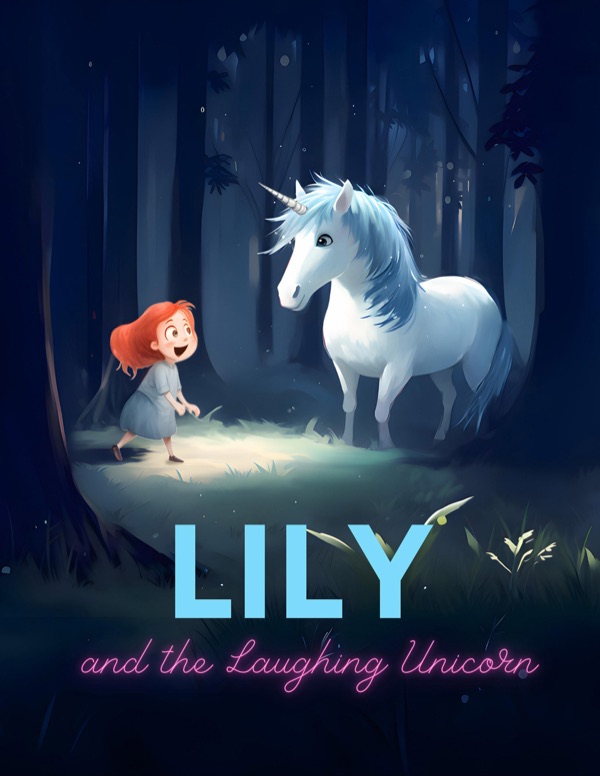 Lily and the Laughing Unicorn
A magical unicorn story about courage, laughter, and protecting the wonder that brings people together.
Read it free →
Lily and the Laughing Unicorn
A magical unicorn story about courage, laughter, and protecting the wonder that brings people together.
Read it free →
Every story here is complete and free — browse the full story library and run the first-to-last-page test yourself.
AI story generator questions, answered straight
What is an AI story generator for kids?
An AI story generator turns an idea into a finished children's story — usually with illustrations, sometimes with narration. The apps differ most in who supplies the idea: some are prompt boxes a parent fills in, and some, like StorySafari, are built so the child makes the creative decisions.
Is an AI story creator the same as an AI story maker or story generator?
Yes — story creator, story maker, and story generator are three names for the same kind of tool. The label doesn't matter; the question that separates the apps is who directs the story: a parent typing into a prompt box, or the child choosing the hero, the place, and what happens next.
Which AI story generator is best for kids?
It depends on what you want out of it. For audio-first bedtimes, Oscar Stories and StoryBee advertise narration. For stories in many languages, Oscar Stories stands out. If you want your child to be the author — with a picture on every page and a printed keepsake at the end — that is what we built StorySafari to do. We're biased, so read finished StorySafari stories free and judge for yourself.
Are AI-generated stories safe for children?
Treat it as two questions. Content: does the app keep stories age-appropriate, and can you preview a story before your child sees it? Data: does the privacy policy plainly say what it collects about your child, how it follows children's-privacy law like COPPA, and how to delete everything? Read finished output and the policy before you subscribe — for any app, including ours, at our privacy policy.
Can AI keep the same character on every page?
This is the hardest problem in AI illustration, and it's where the apps differ most. The only reliable check is a complete story: does the hero's face, outfit, and coloring hold from the first page to the last? We work hard at this in StorySafari — and our library is free precisely so you can inspect whole books rather than a best-case screenshot.
What if I want a non-AI personalized book instead?
Then this roundup is the wrong list — and that's fine. Our broader guide to the best personalized story apps includes print-book services like Wonderbly and reading libraries like Epic, with the same disclosure and the same check-for-yourself steps.
Can I try an AI story generator before paying?
Usually, and you should. StorySafari's library of complete stories is free to read, and the first pages of a new story are free to make. Other apps offer trials or free tiers that change often — check current pricing and try a full story on each before subscribing.
What to budget before trying a new tool
StorySafari: $20 USD for one complete illustrated story and standard 28-page hardcover credit; shipping, tax, and upgrades are separate. Subscription options are separate.
Oscar: $49 per year advertised for Premium. StoryBee: Bee Lite is advertised at a promotional $7 per month; generation requires a paid plan. Verify the checkout total and renewal terms.
We could not confirm a current Bedtimestory.ai price from its public homepage. A testimonial mentioning a price is not a current price list.
Run the test on us first
Read a complete story in the free library, then let your child make one from their own idea — and see whether we live up to our own checklist.
Create a Story Now Rated 4.8/5 on the App Store (August 2026)